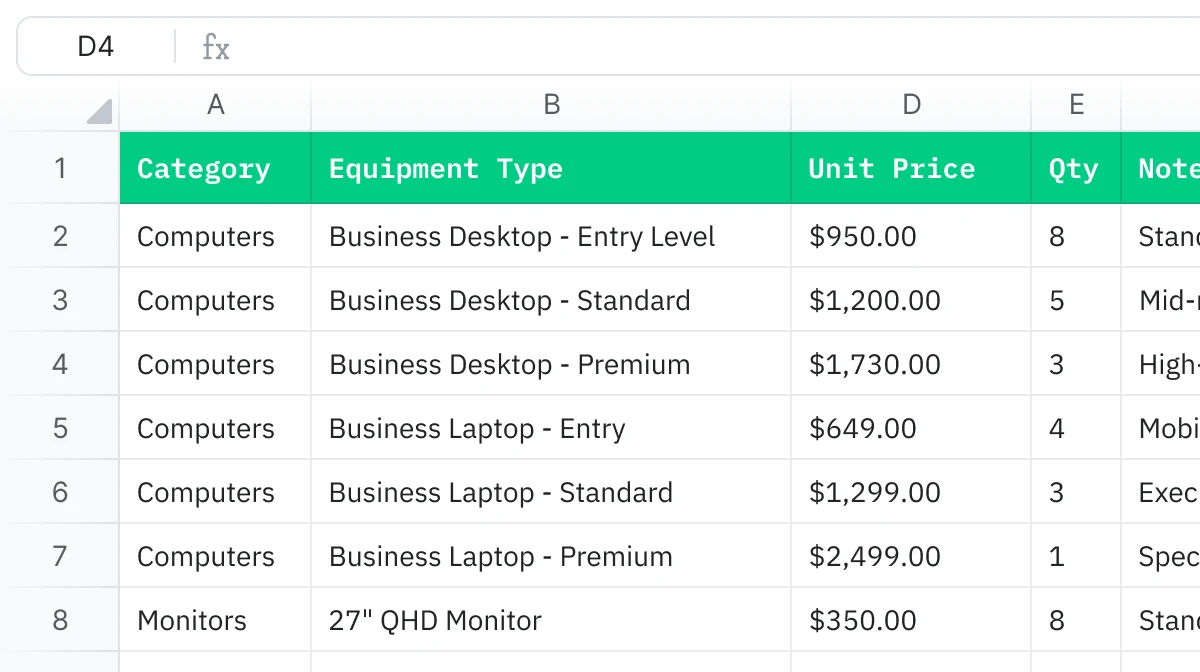






Create with
meeting context
AI draws on your meeting context to create content that fits your business, audience, and goals.


Turn meeting conversations
into work-ready docs, slides, and sheets, all in one place.
Bring your ideas to life with AI slides that tell your story aloud. Learn more 
Most good work starts unfinished. A question in a meeting. A sketch that makes everyone lean in. Someone saying, “What if?” before they know exactly what comes next. That is the interesting part: the moment an idea becomes something a team can build on. The less interesting part is opening six tabs, copying the same notes into three places, and trying to remember who said the thing that made everything click. We think your next hour deserves a better opening scene.
Meetings have a way of creating momentum. Work has a way of losing it somewhere between “great discussion” and “here is the first draft.” Zoom AI Productivity Suite helps close that distance. Bring the conversation into the work, so the context you just built together has somewhere useful to go. A presentation. A document. A set of numbers that finally makes sense. A shared plan with room for the next good idea. The meeting may be over. The idea is just getting started.
Start with what you already know, even if it is scattered across a conversation, a rough outline, and one surprisingly good sentence. AI can help turn those pieces into something you can shape. You bring the judgment: what matters, what feels right, and what your audience needs to understand. The suite gives you places to explore, edit, and move the work forward. Because a useful first draft should give you something to respond to, rather than another blank page to negotiate with.
In Slides, give the idea a story people can follow. Find the thread, build the argument, and make the important part easy to see. Turn a promising thought into a presentation you can keep refining with your team. The goal is bigger than a beautiful opening slide. It is that moment when the room understands the opportunity, asks a better question, or says, “Let’s do it.” Your ideas have places to go. A clear story helps everyone get there together.
In Sheets, let curiosity come before the formula. Ask about your data, explore a pattern, and get closer to what the numbers are trying to tell you. A spreadsheet should make a decision clearer, without turning a simple question into an afternoon of cell references. Bring the figures into the conversation and the conversation back to the figures. Sometimes the most useful thing AI can do is help you spend less energy arranging the evidence and more time deciding what it means.
In Paper, give the details a home. The proposal, the brief, the explanation that needs one more careful pass. Shape a document that can stand on its own and still stay open to a teammate’s better phrasing. Work in the text, keep the useful context close, and turn a collection of thoughts into something worth sharing. Good writing is often a series of small decisions. The first sentence gets you started; the next thoughtful edit makes it yours.
In Canvas, leave room for the work that does not travel in a straight line. Ideas become tasks. Tasks become projects. A question becomes a wiki page someone will be grateful to find next month. Keep those pieces connected to the conversation that moves them along. The best workspace has room for a half-formed thought and a clear next step. It should help a team see where things stand, find a way forward, and make the occasional useful detour.
In Data table, build a structure that fits the way your business actually works. Give information a shape your team can use, then adapt it as the work changes. And when the right file seems to have disappeared into the digital equivalent of a very deep drawer, Hub helps you locate your assets. Finding something should feel like the beginning of your next step. It should not require remembering the exact name you gave a document on a particularly busy Tuesday.
Then bring the work back into the room. Share it, talk it through, and make changes while the right people are there. A presentation can start a conversation. A conversation can improve a document. A document can give the next meeting a head start. That is what makes a suite useful: each tool has a job, and the work can keep moving between them. Your team gets more chances to build on an idea while it is still fresh.
There will always be another draft, another discussion, and another unexpectedly good suggestion five minutes before the call ends. That is part of making things together. The busywork around it does not need to take the whole afternoon. Keep the context. Make the next version. Share something your team can use. Zoom AI Productivity Suite is built for that space between a spark and a shared result. “Great meeting” is nice to hear. “Already done” is even better.
AI draws on your meeting context to create content that fits your business, audience, and goals.
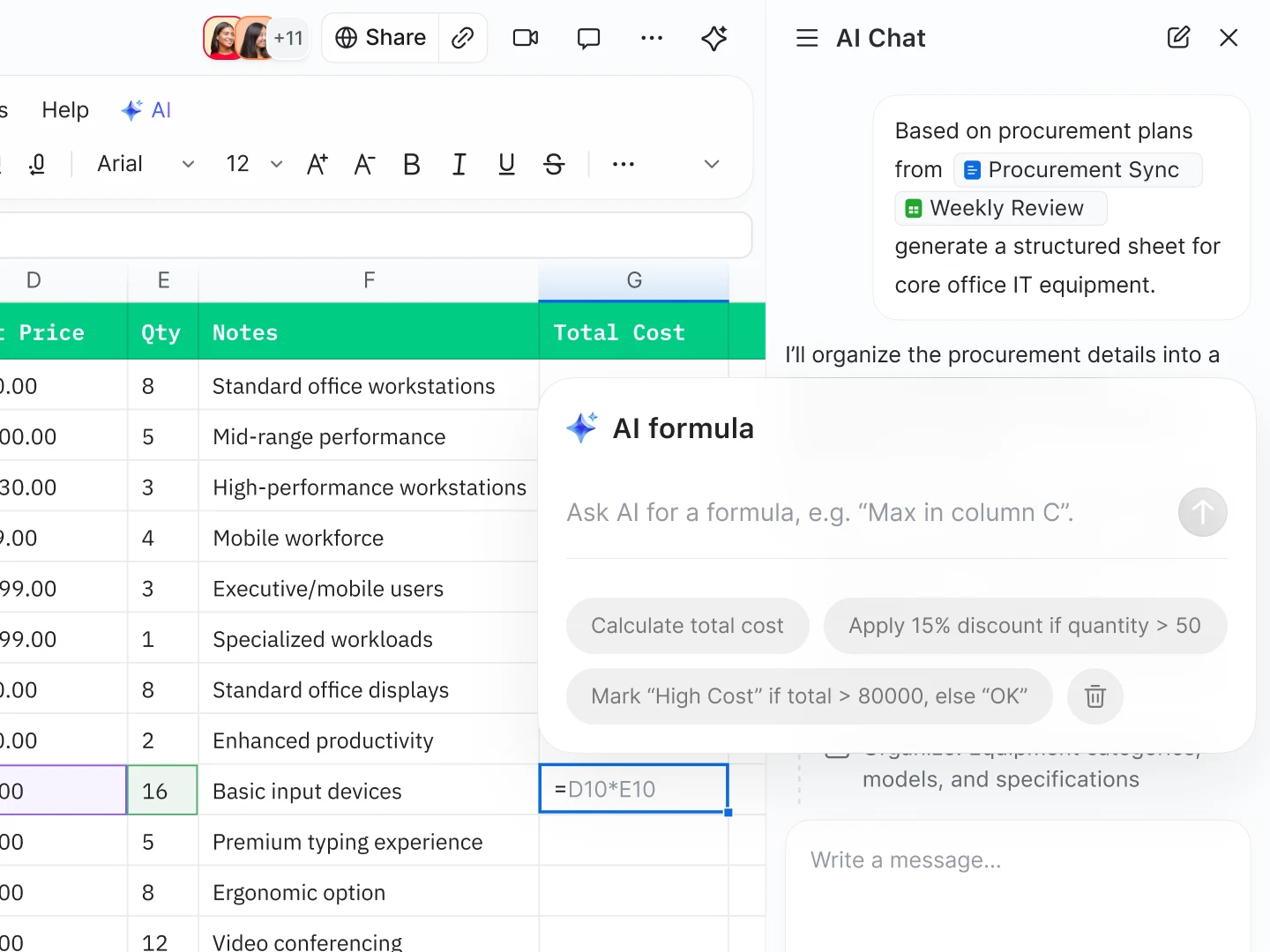
Ask AI right where you’re working, inline or in the side panel. Refine content and formatting to make it yours.
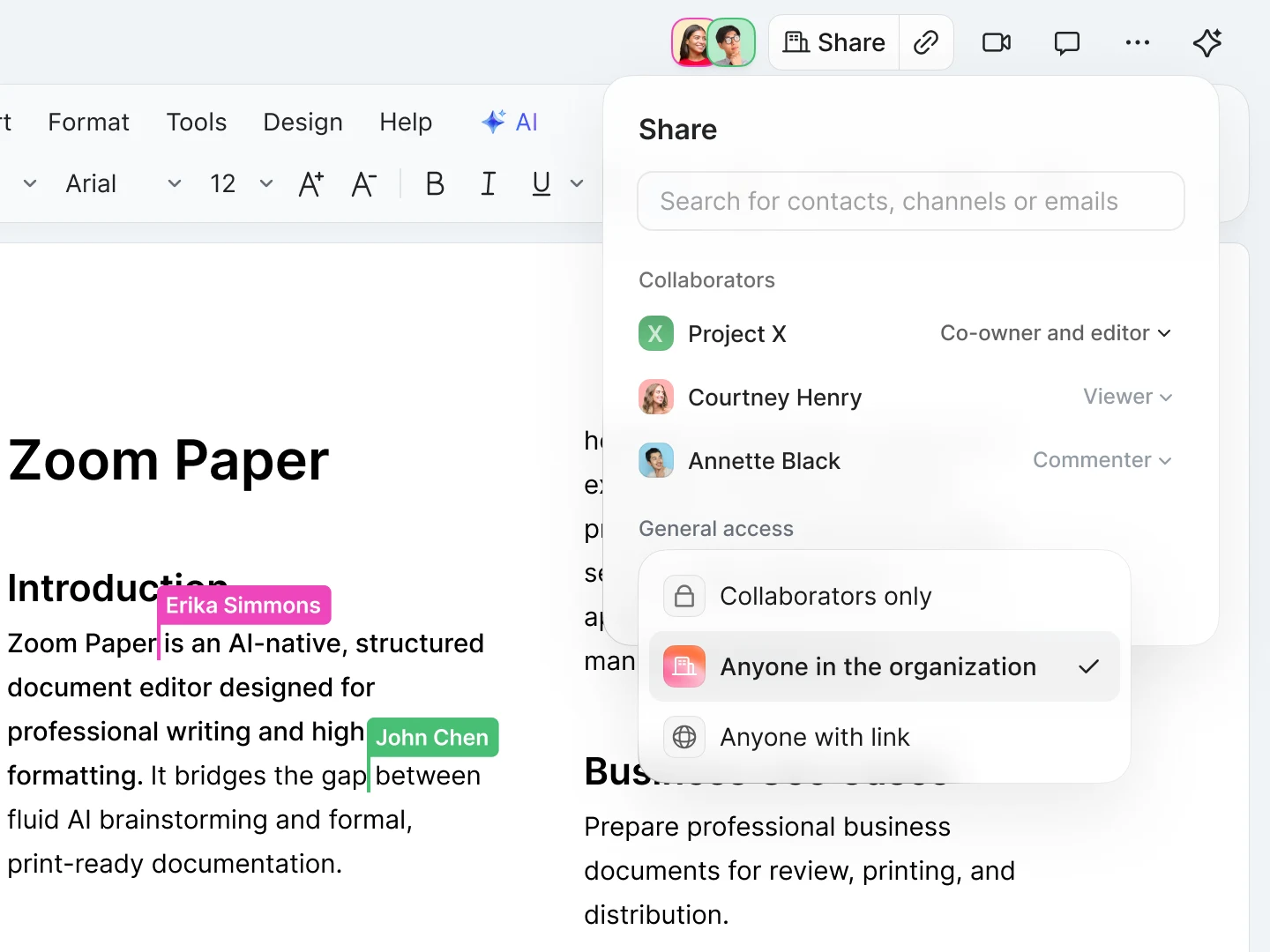
Collaborate across teams with flexible permissions. Choose who can view, comment, or edit.
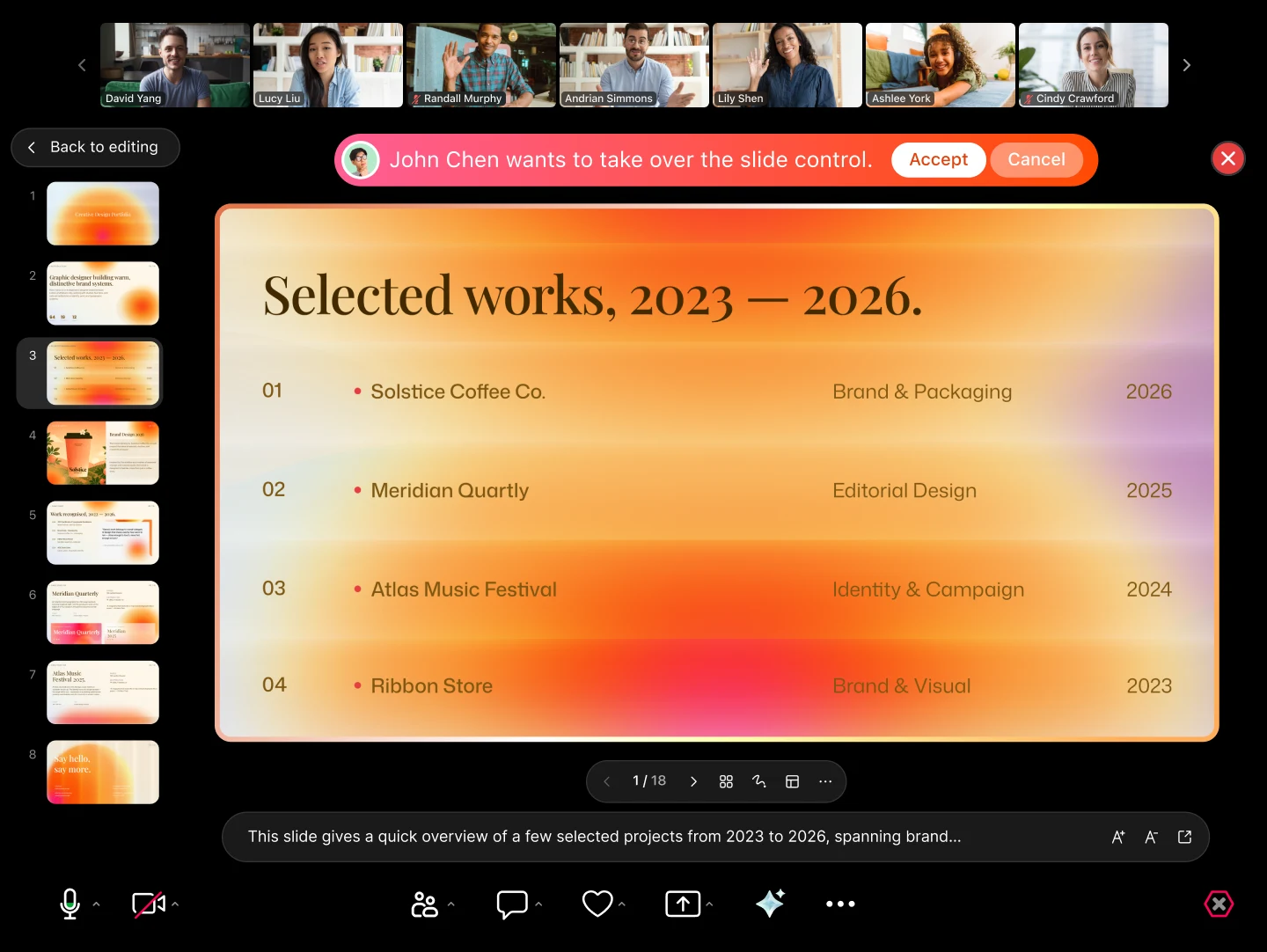
Share and co-edit documents live, right inside your meeting.
Work with the tools and workflows your team already uses — whether you're a developer, a power user, or somewhere in between.
For engineers
Build custom integrations and automate document workflows programmatically.
ExploreFor AI natives
Let AI assistants like Claude and ChatGPT read, write, and act on your content.
ExploreFor everyone
Connect to 1,500+ apps with no-code workflows — no engineering needed.
Explore

Limited AI Productivity Suite features included with Workplace Basic.
Free
No AI credits
Includes:
 Unlimited manual creation for Slides, Sheets, and Paper3 AI document creations monthly for Canvas7-day version history10 MB attachment limitLimited template libraryNo AI capabilities for Slides, Sheets, Paper
All AI Productivity Suite features added to Workplace Basic.
$8.33/user/month
1,000 AI credits monthly
Everything in Basic, plus:
 Instant deck creationAI voice presentation mode
 Instant insights via AI analysis
 Unlimited AI document creation
 20,000+ rows per data table1 GB attachment limitAdvanced template library
Your AI teammate.
$16.67/user/month
2,200 AI credits monthly
Everything in the AI Productivity Suite, plus:
Agentic capabilitiesAutomatic post-meeting deliverablesUnlimited AI note-takingAgentic searchWorkflow capabilitiesVoice translation