Make
the deck.
Make
it work.

From first idea to the meeting and beyond,
create a deck that carries your story.
From first draft to work-ready
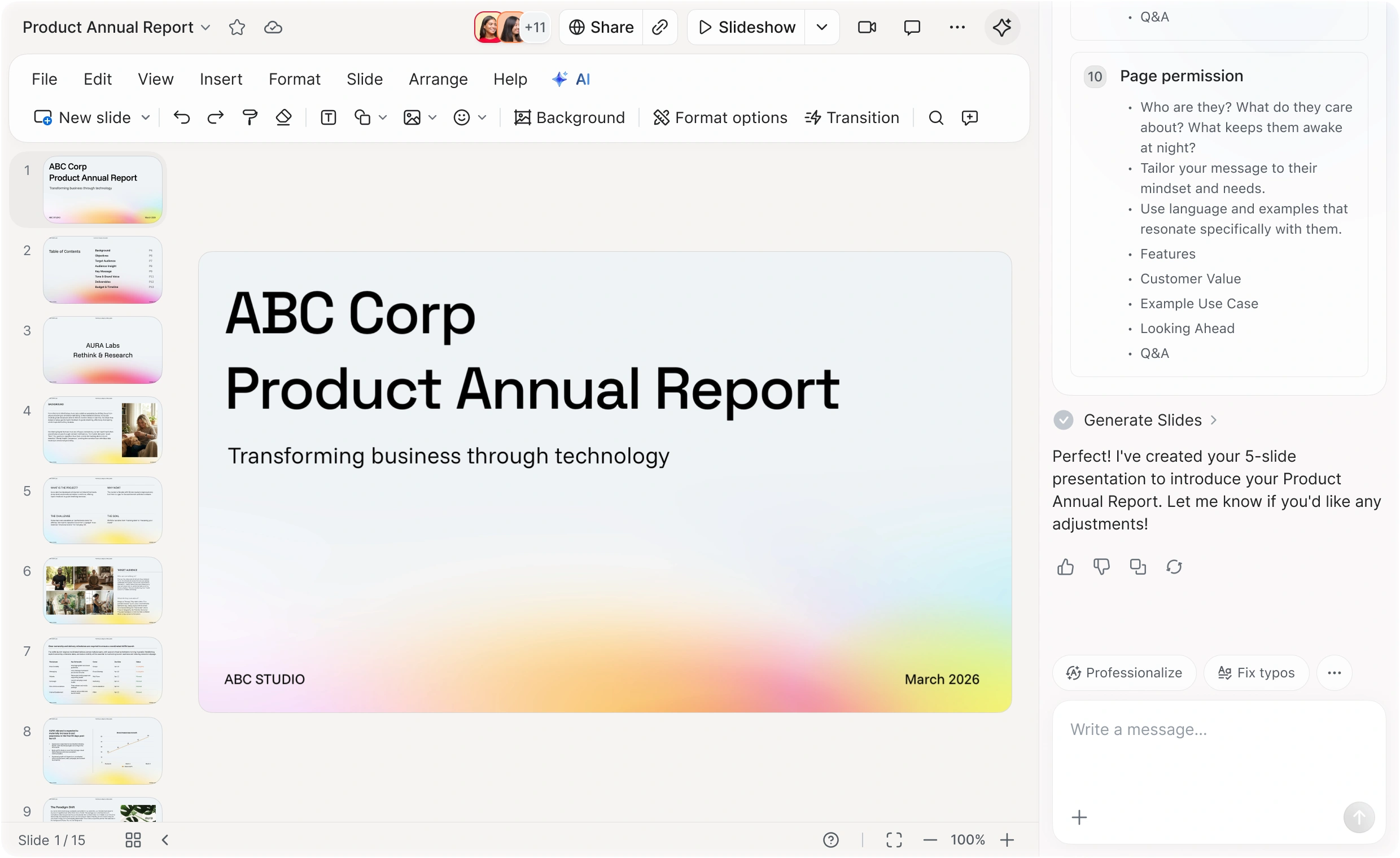
Your slides journey

Start with an idea.
Build with AI.
Use AI to turn a prompt, meeting content, or a doc into an editable first draft.


Bring your framework along
Import your assets and brand guidelines. Keep your structure intact as you build.
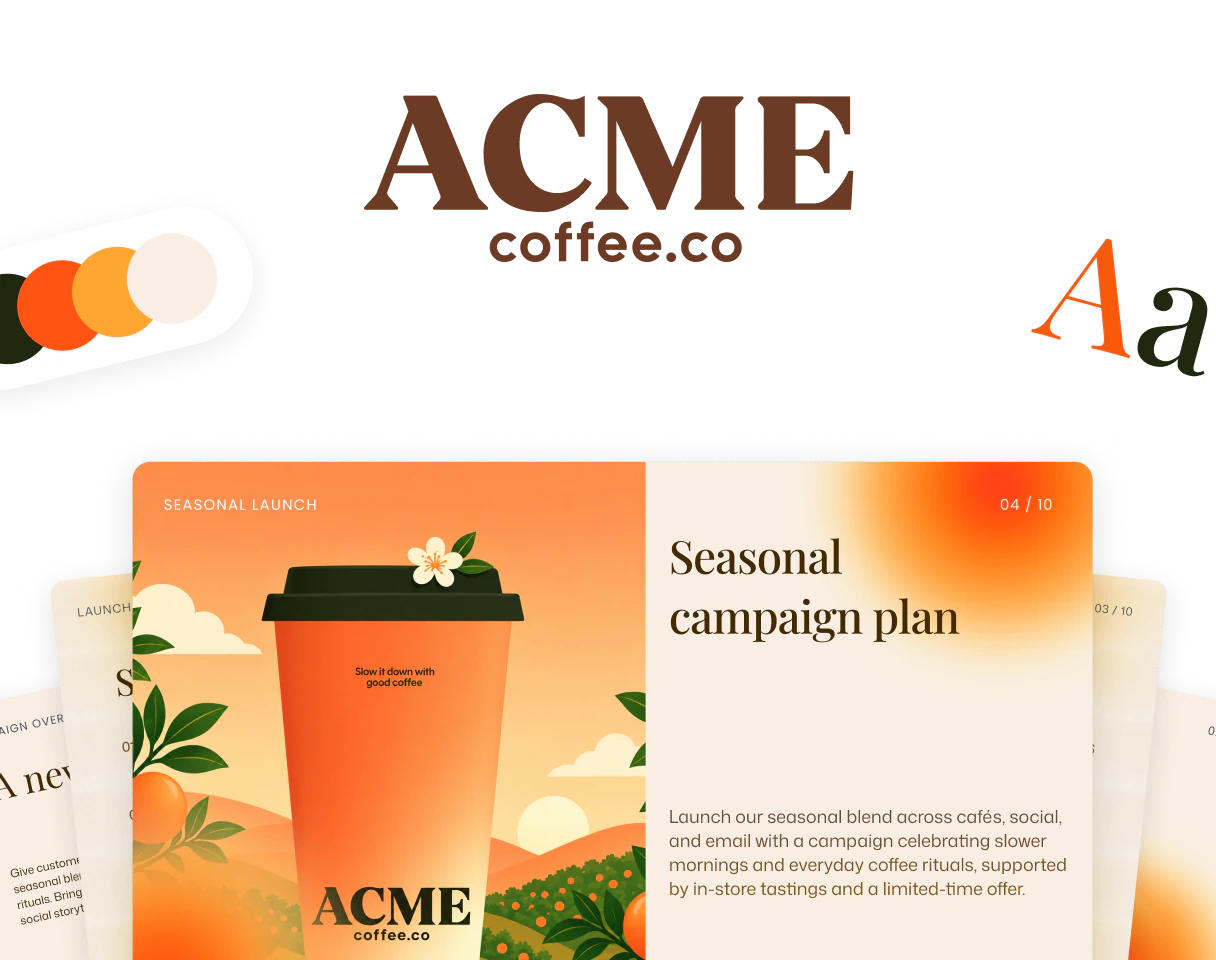

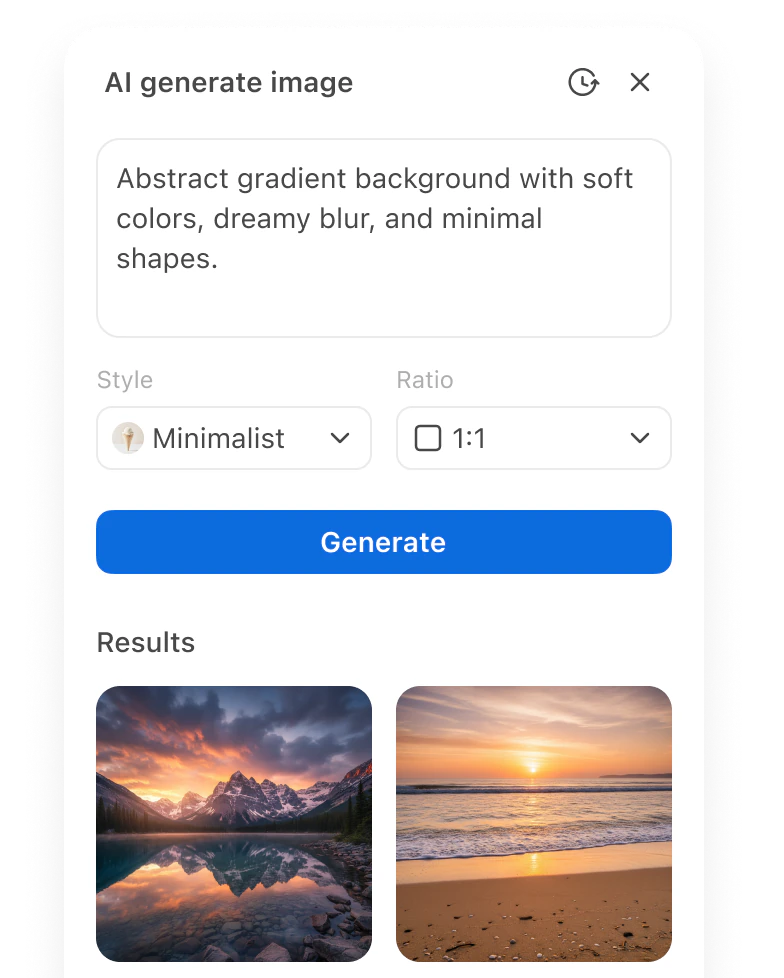
Shape the story.
Make it yours.
Change the words, visuals, and layout until the deck says what you mean. Use AI where it helps.


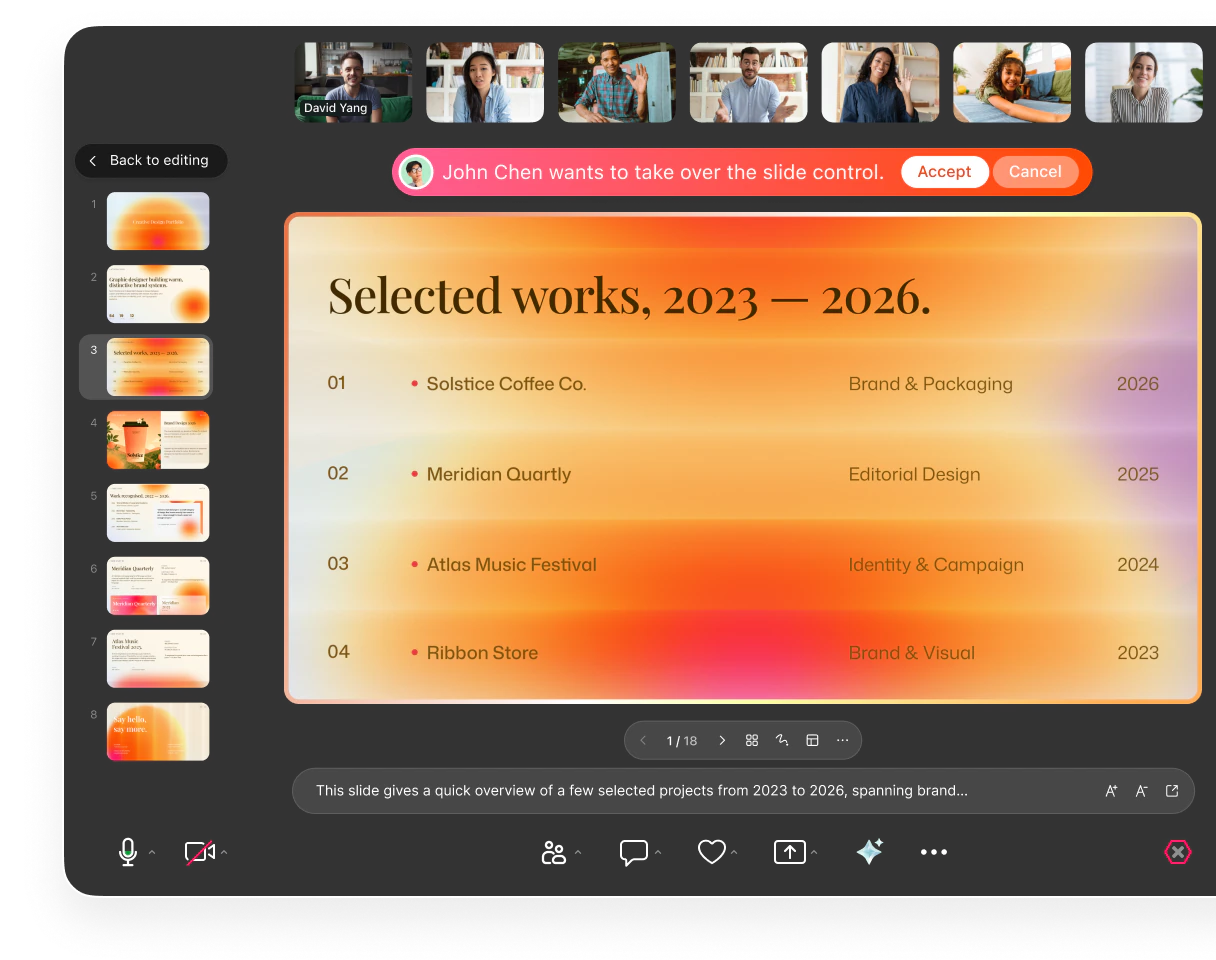
Bring everyone into
the story.
Present your deck directly in Zoom Meetings without sharing your screen. Pass control, co-edit slides, and invite live reactions to keep everyone involved.














Share it.
Keep it evolving.
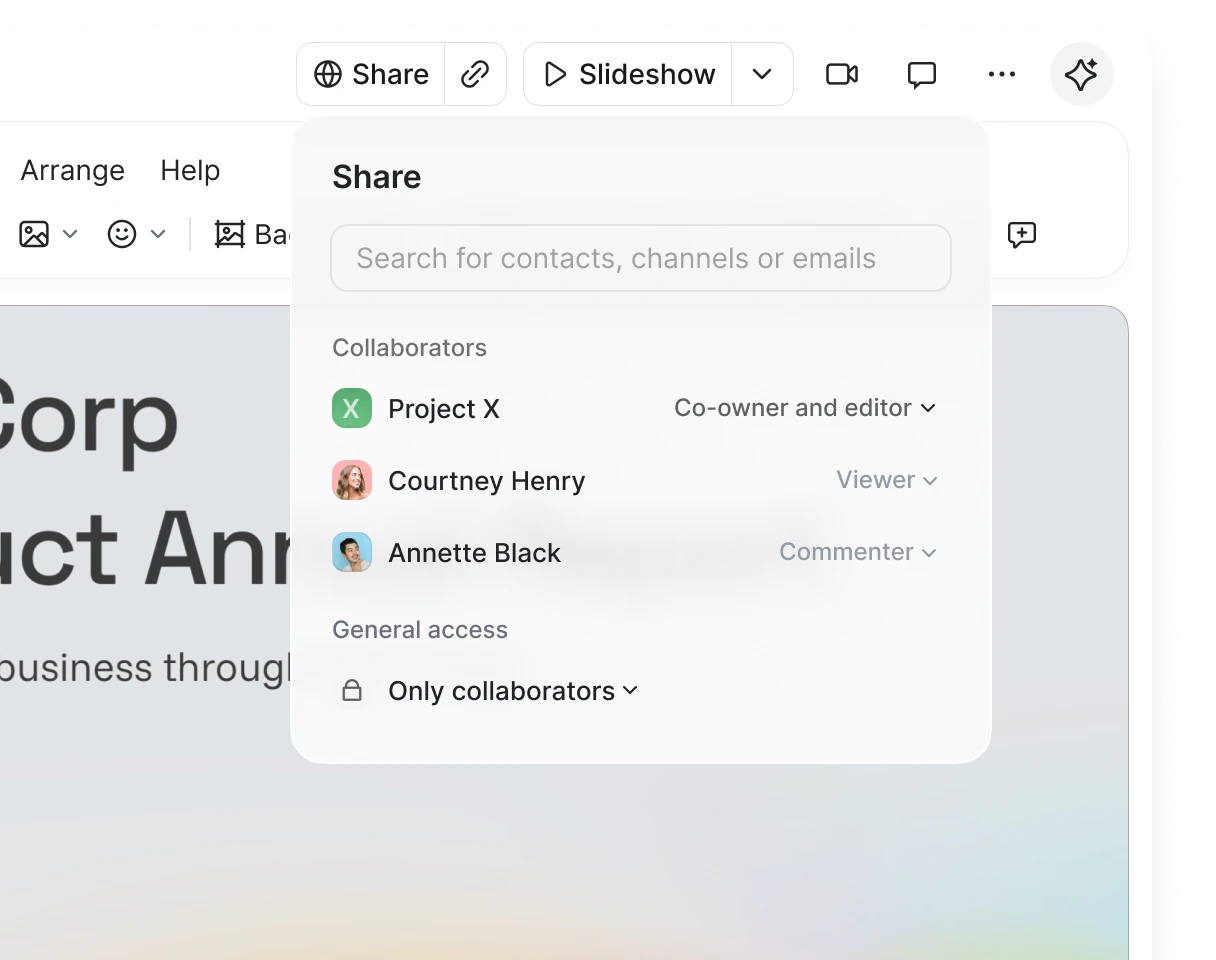
Make every share work for you. Add AI Voiceover to tell the full story, control who can access your deck, and learn from how viewers engage.


Find a starting point for your
story.
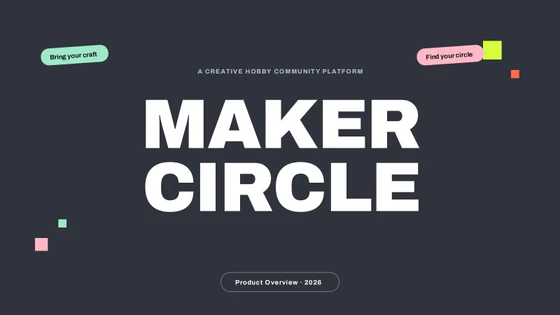
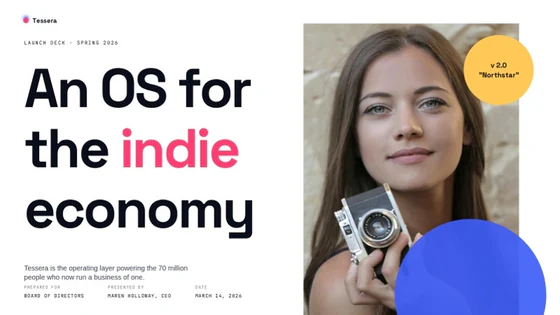
Pick a layout for a pitch, report, or proposal, then make it yours.




Your most frequent questions,
answered
How Zoom Slides creates decks, works in meetings, and fits your existing presentation workflow.
How does Zoom Slides create a presentation?

Zoom Slides can generate a complete presentation from a variety of starting points — including meetings, documents, or simple prompts.
AI analyzes your content and automatically organizes it into a structured slide deck with suggested layouts and sections. Instead of starting from a blank slide, you can begin with a cohesive draft that you can immediately refine and customize.
This helps teams move faster from raw ideas to presentation-ready decks.
Can I edit AI-generated slides?
Yes. AI-generated slides are editable.
You can modify text, adjust layouts, replace visuals, and add new slides just like in any professional presentation editor. AI-powered editing tools also allow you to rewrite content, expand ideas, summarize sections, or adjust tone directly within your slides.
This gives you the speed of AI generation while keeping creative control over your presentation.
Can I use Zoom Slides during a Zoom meeting?
Yes. Zoom Slides is designed to work directly inside Zoom meetings.
You can present slides, switch presenters smoothly, and collaborate with teammates in real time during a meeting. Participants can follow the presentation together or explore slides independently depending on the viewing mode.
This makes it easy to turn live discussions into collaborative presentations without leaving the meeting.
How is Zoom Slides different from traditional presentation tools?
Traditional presentation tools typically require teams to start from a blank slide and manually structure their ideas into a presentation.
Zoom Slides uses AI to turn meetings, documents, or prompts into a presentation draft you can edit and refine. Because it is built into Zoom, teams can also present, edit, and collaborate on slides directly inside meetings — turning discussions into structured presentations in real time.
This allows teams to move from ideas to presentation much faster.
Can I still use Microsoft PowerPoint or Google Slides with Zoom Slides?
Yes. Zoom Slides supports importing and exporting .pptx files.
When you import an existing presentation in .pptx file format, slide layouts, formatting, and structure are preserved. You can edit the presentation in Slides and export it again to continue working in Microsoft PowerPoint or Google Slides if needed.
This allows teams to collaborate across tools without losing formatting or rebuilding presentations.
Does Slides include presentation templates?
Yes. Zoom Slides includes a library of ready-to-use presentation templates designed for common business scenarios.
You can quickly start presentations such as sales pitch decks, product launch presentations, quarterly business reviews, client proposals, or internal updates. Templates provide a structured starting point that you can customize with your own content and visuals.
Combined with AI generation, templates help teams move even faster from idea to finished presentation.